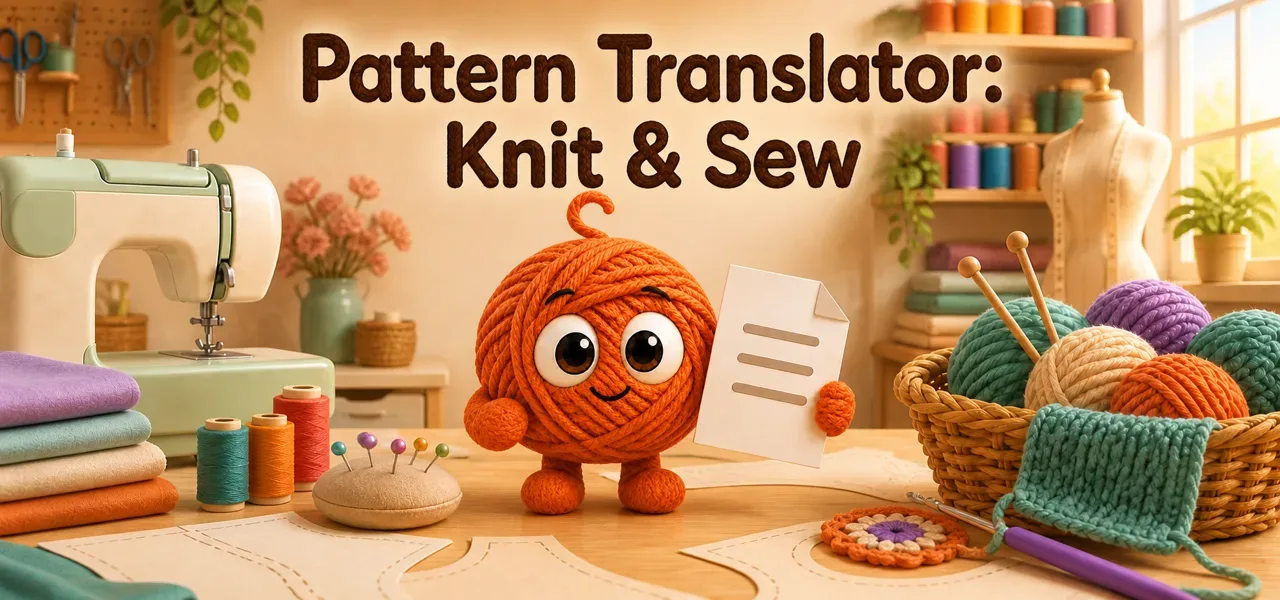
Our portfolio is growing: Pattern Translator, a new app from PepperTools, is now available in the Apple App Store and on Google Play. Pattern Translator is a library for instructions as PDFs and translates sewing, knitting and crochet patterns into 17 languages. What makes it special: pattern sheets, knitting charts and crochet charts stay true to scale, exactly as in the original.
What Pattern Translator does
The app is built for sewing, knitting and crochet, but it takes any instruction as a PDF: the assembly guide for the shelf, the recipe, the user manual. You create folders, give every instruction an image and find it again.
Your library
- Folders, nested as deep as you like: by craft, by person, by project
- A preview image for every instruction and every folder: from the camera, from your photos or a page from the PDF
- Four traits such as women, child, sweater or knitting, which you filter by with one tap
- Notes on every instruction: yarn, size, what you changed. Search finds names and notes
- Cards with large images or a compact list
- PDFs from Files, Mail or from a finished translation
Translate without distorting the sheet
Ordinary PDF translators rebuild the page and redraw it in the process. In sewing that is fatal: a pattern sheet scaled by two percent no longer fits. Pattern Translator works differently:
- No AI redraws your artwork. Pattern pieces, alignment marks, knitting charts and crochet charts come from the original untouched
- The translated text sits where the old text sat, in the same box
- Page size and scale stay. You print and tape the sheet exactly as before
The right craft terms
A general translator turns the German "rechts" into "right". In a knitting pattern it means knit. It turns "Maschenprobe" into "stitch sample" instead of gauge. Pattern Translator translates with a craft dictionary for sewing, knitting and crochet. You get the terms and abbreviations your patterns actually use. Centimetres become inches, in size charts as well. For crochet you choose between US and UK terms.
How to translate
- Pick your PDF from the library or from Files.
- Pick the language you want to read. The app detects the source language itself.
- Start the translation. It runs on the server, so you can close the app.
- File the finished instruction in your library with one tap.
17 languages
English, German, Spanish, French, Dutch, Danish, Norwegian, Swedish, Italian, Croatian, Polish, Russian, Portuguese, Czech, Finnish, Hungarian, Turkish. You translate between all of them and switch the app itself too.
Your library on all your devices
On iOS the library lives in your iCloud, under your Apple ID, not on someone else's server. What you file on the iPad sits in the same place on the iPhone and on the Mac. On a new device you sign in with your Apple ID, and the library is there.
On Android the app backs up your entire library online with a subscription, up to 1 GB: folders, PDFs, preview images, traits and notes. The cloud storage comes with the app. Restoring takes one tap, complete and in the same order.
Your documents stay yours
A server does the translating. The source file and the result are deleted there after delivery. Patterns are protected by copyright, translated ones as well. That is why there is no way to publish one.
Availability
Five translations are free. A subscription covers further translations and the online backup on Android. There is no trial that quietly turns into a subscription, and no charge without your consent.
In the App Store the app is listed as "Sewing Pattern Translator". Pattern Translator is available now: